


For newbies in Lineage 2
What is Lineage 2
Lineage 2 is an online world populated by fantasy races, where there is room for friendship and betrayal, epic battles between clans and player duels.
What version is running on L2Ertheia
Our server is running with client [EP1.0] Ertheia: Dimensional Strangers. As we introduced many changes to it, from interface upgrades to server changes, it also received an additional name: Remastered.
The client does not use auto macro or auto hunt functions which were introduced in the later versions. L2Ertheia still believes in real play and in players enjoying the game. Any kind of bots are against our Terms of Use.
How to start playing
- Go to the L2Ertheia.eu website: https://www.l2ertheia.eu/download
- Register your game account
- Download game client and L2Ertheia launcher
- Copy latest version of L2Ertheia Launcher and put it into game folder
- Start L2Ertheia Launcher from your Lineage 2 game folder
Do not forget to download the latest version of L2Ertheia Launcher!
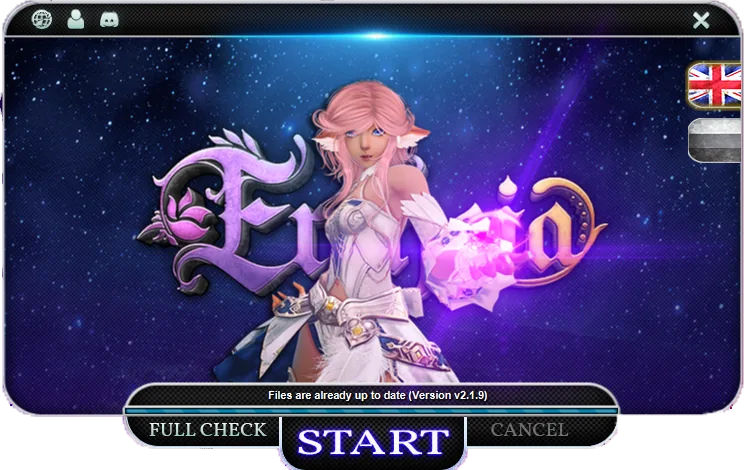
- Select your preferred language - English or Russian
- Press the start button
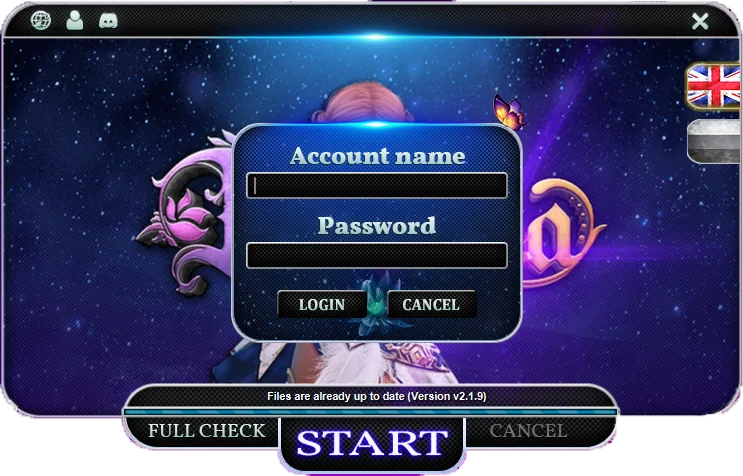
- Sign in with your game account
- Lineage 2 game client will be launched after a few seconds
L2Ertheia game client can be started only via our L2Ertheia Launcher!
Creating a character
- When you log in to the game, you'll be prompted to agree to the user agreement and then choose a server.
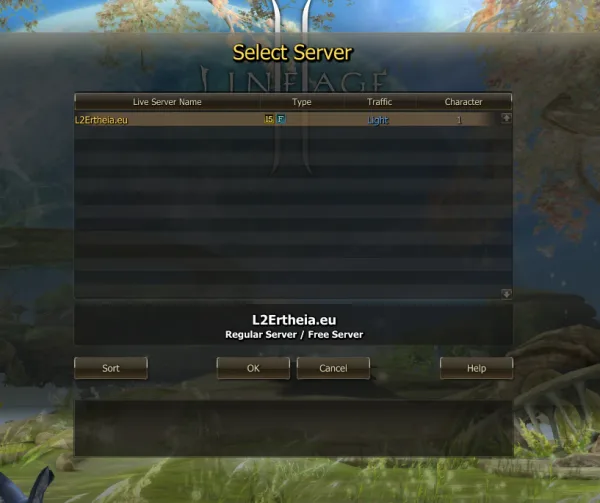
- Once you've chosen the server, click the “Create” button. You can create up to 7 characters on one server.
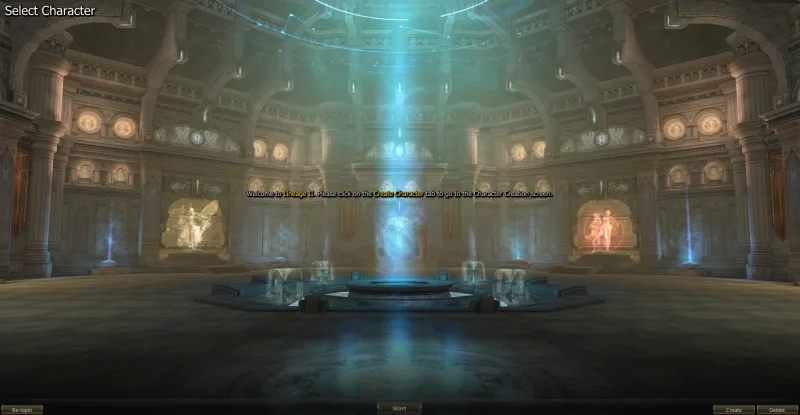
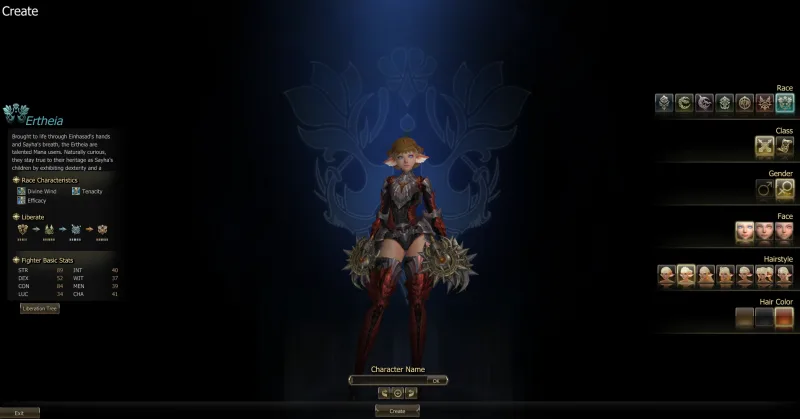
Enter your character's name
- You can only use Latin characters. Max 16 characters. You can't use Space or any other special characters.
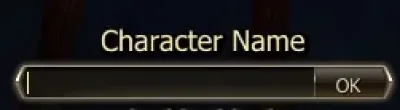
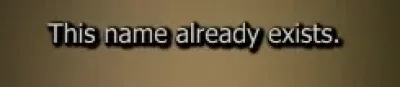
- If the name you've chosen is already in use, the system will warn you about that when you press the Create button.
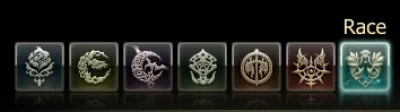
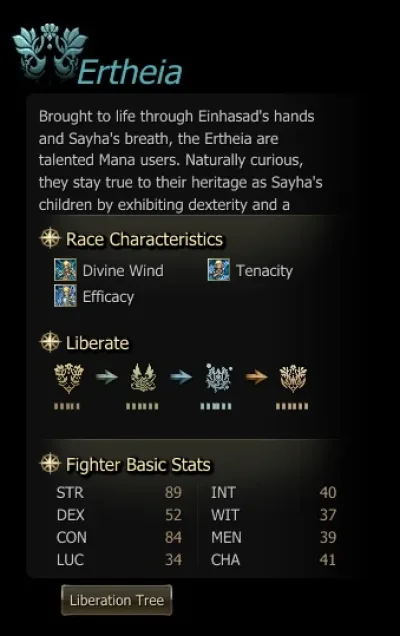
Choose a race


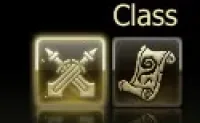
Choose a class
The available classes depend on the race. There are Fighter and Mystic classes.
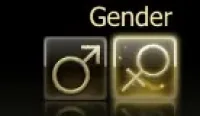
Choose a gender
For five races (Human, Elf, Dark Elf, Orc, Dwarf) a characteristic such as gender doesn't have any impact on anything - it's just about your character's looks. For Kamael and Ertheia the available classes do depend on the gender of your character.
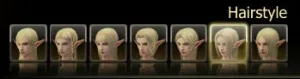
Choose a hairstyle
Choose a hairstyle. There are up to 7 options available depending on your character's race and gender. More hairstyles can be unlocked in the Beauty Shop through the La Vie En Rose manager.
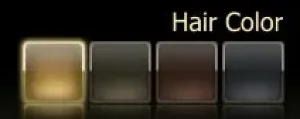
Choose a face type
Choose your character's face type. There are up to 3 options available depending on your character's race and gender. More face types can be unlocked in the Beauty Shop through the La Vie En Rose manager.
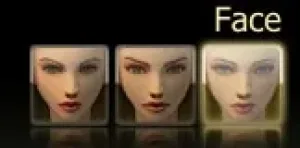
When all the parameters are set, press the “Create” button and your character will be available in the character lobby.
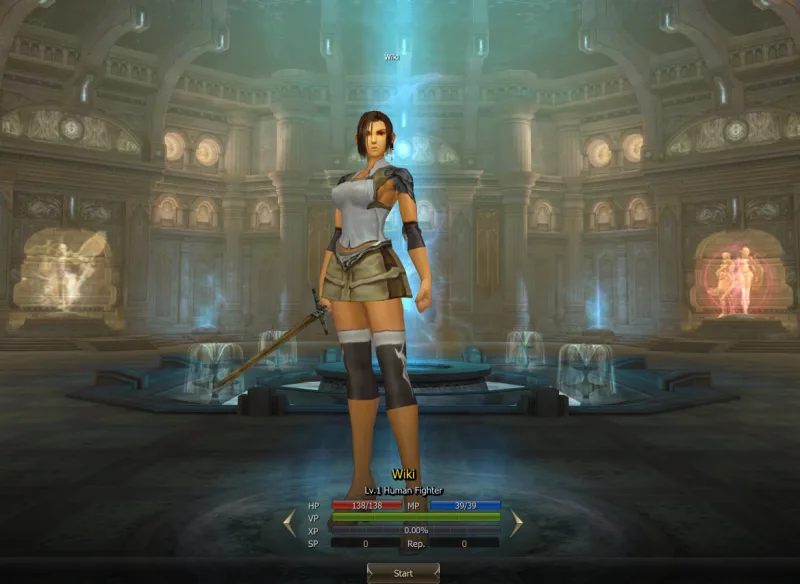
Now you can press the “Start” button and proceed to the PIN setup phase. The character PIN requires a minimum of 6 to 8 digits. The PIN will be the same for every character on the account.
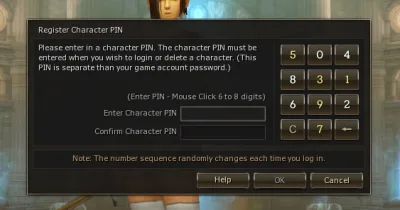
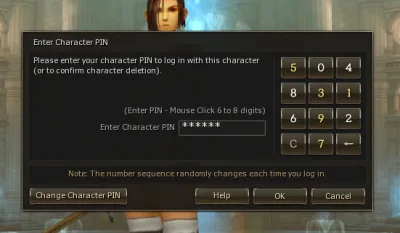
The character PIN can be reset via the Account Panel on the L2Ertheia.eu website.